Customer journey
A clear next step after a customer requests a quote
What the page, the email, and the enquiry handoff should each tell the customer.
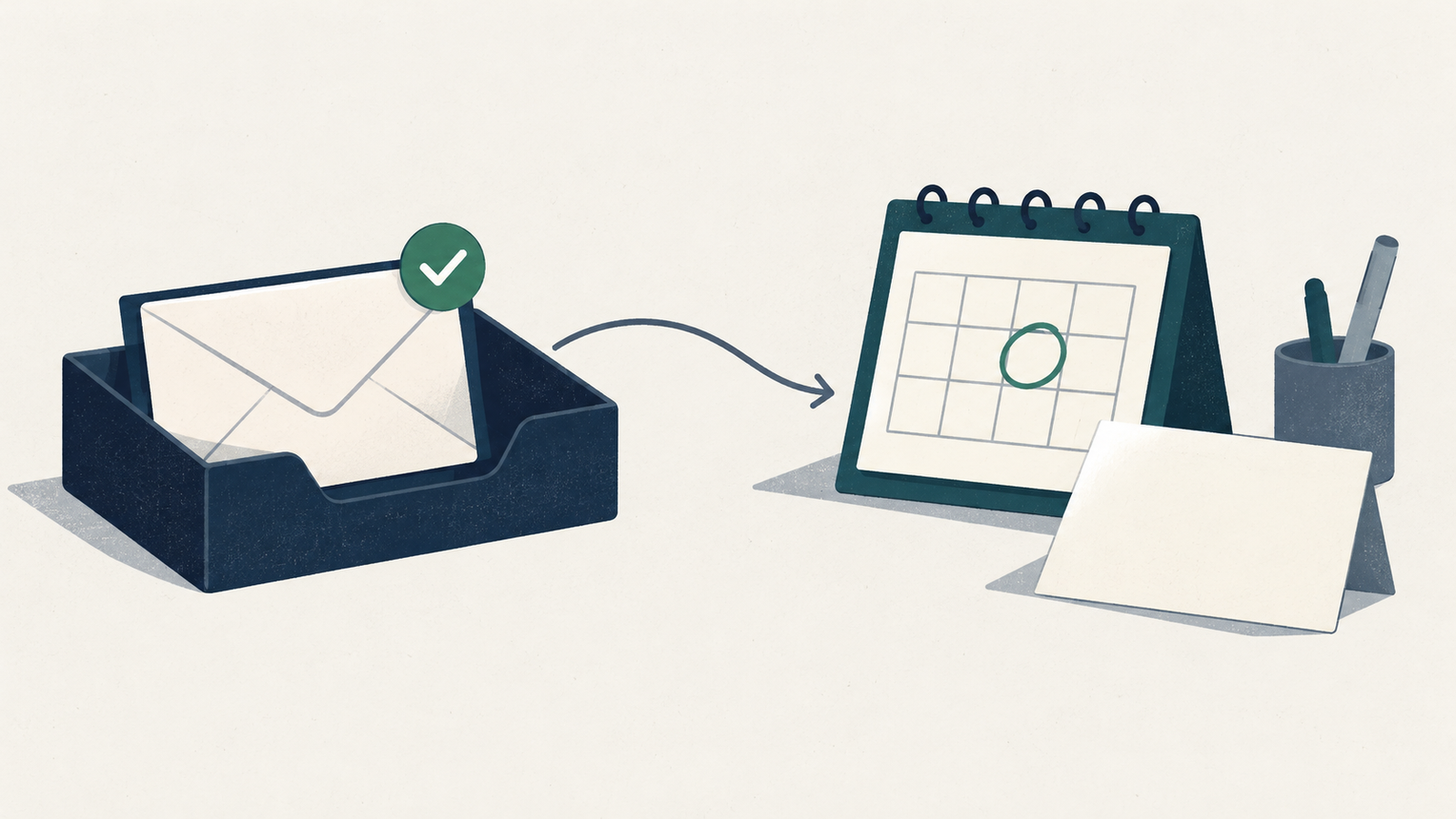
Open the confirmation your website shows after it accepts a quote request, and read it beside the email acknowledgement if you send one. Write down what each one tells the customer to expect, then ask the person who handles enquiries whether that is what the team actually does.
Say what has been received
Choose wording that matches the event your website can confirm. If a customer has sent a request for an estimate, name that request. Keep wording about an approved quote or a confirmed appointment for the steps where someone has approved the work or set a time.
The GOV.UK Design System's confirmation page pattern lists details of what happens next and when, contact details for the service, and a reference number if one exists. That is guidance for government services, and those elements are a workable starting point for a business enquiry page (Confirmation pages).
Name the next action in terms the customer will recognize, such as a call to clarify the work or an estimate sent after review. Pick the one your team has agreed to do. Do not invent a reference number if you have no system that issues one.
Agree on the reply window with the person doing the work
Before you publish a response time, walk through how enquiries arrive during working hours, near closing, and over days when the business is shut. Ask who checks new requests and who covers an absence.
Write the public promise from that conversation. Avoid "shortly" if staff cannot explain what it means. If you state working days, name the days or hours the promise covers. Keep the first reply separate from the finished quote when a site visit or more information is needed. Do not shorten the window because a faster number reads better beside the form.
Keep the internal handoff short: request received, the person assigned, the next action, and when that action is due. Your existing inbox or enquiry record will hold those details if it has room. Decide who checks requests past their due time and who sends the customer an update.
Make the acknowledgement useful on its own
Read the message on a phone with the website closed. Can the reader tell which business sent it, what it concerns, and how to follow up? The GOV.UK Service Manual recommends saying who the message is from, using a subject line specific to the request, and explaining what you will do next and when the customer will hear from you (Planning and writing messages).
Adapt that to your own process. Keep the first sentence about the request you received. Include the agreed next step and a contact route someone checks. If customers can reply to the acknowledgement, make sure the team knows where those replies land. If they cannot, give the route to use instead.
Put the follow-up instruction where the customer can find it later. Say who to contact if the stated window passes and what detail to include. Check that the page and the email agree on timing; an old autoresponder can keep promising something the page has dropped.
Walk through the handoff with your team
Send one labeled test request with the person responsible for enquiries, using contact details you control. Save the confirmation wording and check the acknowledgement if one is configured. Have the assigned person find the request and show its next action in the team's working record. Treat the result as a check on those specific steps rather than a picture of every enquiry.
Then walk through a late response without making a real customer wait. Ask who would notice the missed due time and who would send an update, and where it would be recorded. Check the follow-up contact the customer sees at the same time.
Record any mismatch with the exact message or handoff step that needs changing, fix it, and repeat that step. Give the person who owns enquiries responsibility for reviewing both messages whenever working hours or staffing change.