Customer Journey
Check your downloads on a phone
Review the files customers use and decide what needs to change.
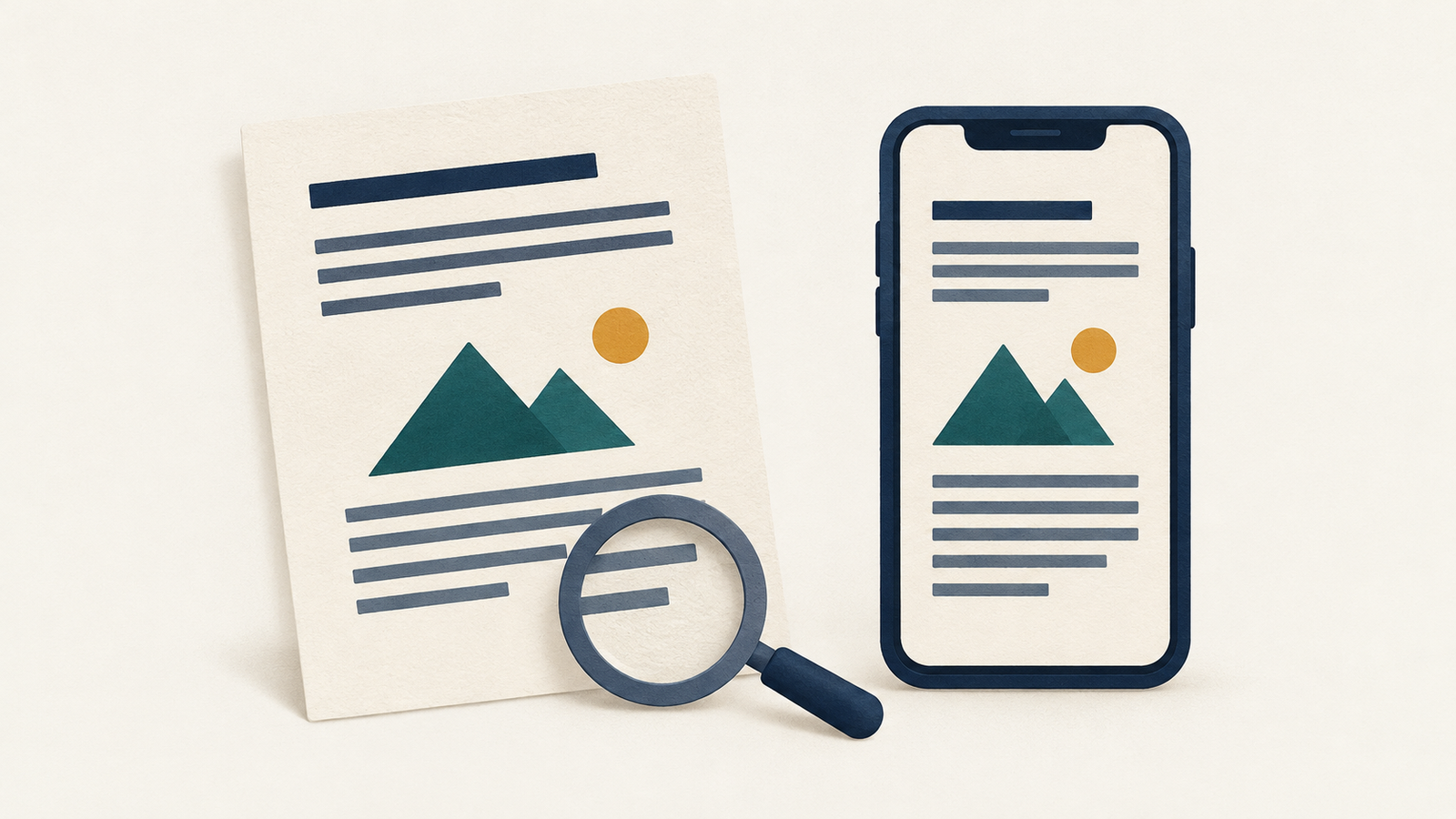
Open your website on a phone and follow the link to a document customers need before using your service. Try to find one specific answer in it: what to bring, which service is included, or whom to contact. Note where you have to zoom, move sideways across a line or leave the document to look elsewhere.
Start with a document that supports an important customer task. Save its page address and file link in your review notes, along with the phone and browser you used. This gives your site maintainer something specific to reproduce.
Decide whether the answer needs a download
Read the page containing the link before opening the file again. Does the page explain what the document contains? Could the information the customer needs be presented directly on that page?
GOV.UK's document-publishing guidance recommends HTML wherever possible so documents can use the reader's custom browser settings. For your site, consider a normal web page for information customers need to consult quickly. A separate download may still serve a printing or recordkeeping purpose.
If you keep both, identify the person responsible for updating them together. Check that the web version contains the information needed to complete the task, including any qualifications that appear in the file. A short summary can help someone choose a document; it should not silently leave out an instruction they need.
Read the file at a comfortable size
Return to the link on your phone. Notice whether it opens in the browser, downloads or asks you to choose an app. Record any difficulty finding the file afterward, and check that you can return to the website.
Read a paragraph at a size that is comfortable for you. If the line extends beyond the screen, note how much sideways movement it takes to finish the sentence. Try a section containing a table or diagram as well. Can you tell which label belongs to each value? Mark the exact page and passage that needs attention.
Ask your maintainer whether a simpler layout or a web version would make those passages easier to use. For a file that must remain downloadable, review its document structure and reading order as part of the repair. Being able to read it on one phone does not establish that it works with assistive technology; include accessibility review in the work rather than treating this quick check as a complete assessment.
Check the link and the current version
Look at the download link text. Give it a name that identifies the document and indicate the format. Consider showing the file size so readers can decide whether to download it on their connection. Check that any size displayed matches the current file.
Open the document and compare its contact details, dates and service information with the website. Have the content owner confirm anything that differs. If the file is obsolete, decide whether to replace it, remove the link or provide an explanation for readers who still need the historical version.
Check the file size in its properties or with your maintainer. If a large document is slow to open on the connection you are testing, ask which parts account for the size. Review a smaller export before replacing the original: small print and diagrams still need to be legible. Keep your editable source file so future corrections can be made there.
Verify the replacement from the website
After the changes are published, start again from the page a customer would use. Follow the link, find the same answer and check the passages you marked. If there is a web alternative, read that version on the phone too and compare the relevant instructions.
Record the final addresses, the date checked and any remaining issue. Assign an owner to the document and its web version so a future change to the service reaches both.