Website operations
Review your website using only a keyboard
How to test one basic path on your site without a mouse, document where focus breaks down, and confirm the fix.
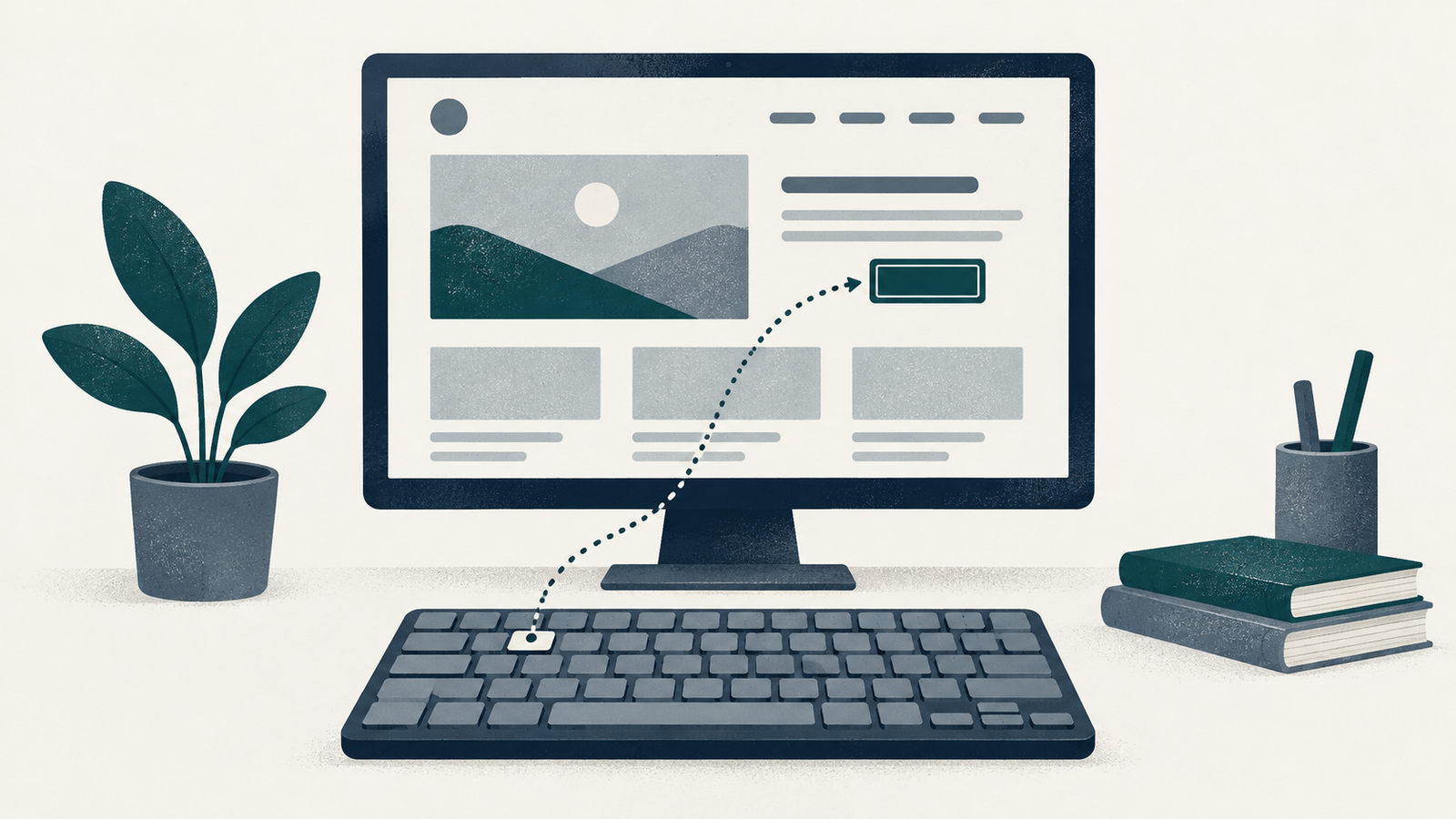
Open your homepage on a computer and put the mouse aside. Choose one route to check, such as reaching the contact page from the main navigation. Write down the starting address, browser and date before you begin.
This short exercise can help you describe a keyboard problem to the person who maintains the site. Keep the result tied to the route you checked. W3C's Easy Checks cover only some accessibility issues; a page can pass them and still have substantial barriers. W3C Easy Checks
Follow the focus
Focus is the control that will receive your next keyboard action. Start from the browser's address bar and press Tab to move forward into the page; use Shift+Tab to move back. Watch for an outline or another visible change around each control. W3C's preliminary review asks you to check that focus is visible, follows a logical order, and can move away from controls it reaches. Keyboard access and visual focus
As you move toward the contact link, keep a short sequence of the controls you reach. If the visible indicator disappears, note the last control where you saw it and the next key you pressed. Do not guess which invisible item has focus.
If Tab seems to skip controls throughout the page, check the keyboard-navigation settings for your browser and operating system before diagnosing the site. Ask your maintainer to help confirm the setup if needed; record it with the observation.
Check the control you came to use
When the contact link has focus, try Enter and check the destination. If your route includes a button, try its expected keyboard action and record whether the visible result matches what the label promises. Keep this first check to navigation or another reversible action; arrange a separate test before submitting an enquiry or making a booking.
Tab does not necessarily visit every option inside a complex control. W3C's keyboard-interface guidance distinguishes moving between components with Tab from moving within some components with arrow keys. For example, a radio group can have one item in the Tab sequence while arrow keys move between choices. Developing a keyboard interface
If a menu or other unfamiliar control is on your route, record its visible label and the keys you tried. Ask the maintainer to compare its behavior with the appropriate control pattern. Avoid treating an unexpected response as proof of a particular code defect.
Describe where you got stuck
A useful issue report lets someone repeat your path. Include the page address, browser, starting point and key sequence. State what you expected to reach and what actually happened. A screenshot can show a missing or obscured focus indicator, but include the written sequence too.
If you had to use the mouse to continue, mark that point as unfinished. Record the recovery separately so the successful mouse action does not get mistaken for a completed keyboard check. If a control seems to keep focus trapped, save what you can observe and ask the maintainer to reproduce it.
Keep the report small enough to act on. One route with a precise failure is a useful first request. Add a second issue separately if it concerns another control or page, so its repair can be checked independently.
Repeat the same route after a repair
When the maintainer says a change is live, reopen the public page and repeat the recorded sequence. Check the original stopping point and the next action beyond it. Write down the new result and the date rather than replacing the original observation.
If you can now reach the contact page, record that outcome with the browser and route. Leave any other unfinished controls on the list. Ask the maintainer what further assessment is appropriate for the rest of the site, especially services that depend on complex forms or external booking tools.